From Sketch to Render: How Architects Can Present Concepts Faster?
4 July 2026
Architectural ideas often begin with something simple: a sketch, a quick massing study, a 3D model screenshot, or a rough interior concept. These early visuals may be clear to architects and designers, but they are not always easy for clients, investors, planning teams, or project stakeholders to fully understand.
This is one of the biggest challenges in architectural communication. A designer may already know how a space will feel, how the light will enter, how the façade materials will work together, or how the final atmosphere should appear. However, translating that vision into something visually convincing usually takes time.
Traditionally, turning an early sketch into a polished render required several stages: detailed modelling, material selection, lighting setup, camera composition, rendering, post-production, and revisions. While this process remains valuable for final presentations, many architects now need faster ways to communicate ideas during the early design phase.
This is where sketch-to-render workflows are becoming increasingly important.
Why Early Visualisation Matters in Architecture?
Architecture is not only about creating buildings; it is also about communicating possibilities. A concept can be technically strong, spatially efficient, and aesthetically refined, but if the client cannot visualise it, the design may struggle to gain support.
Early visualisation helps close that gap. Instead of asking clients to imagine a finished building from a floor plan or line drawing, architects can present a more realistic interpretation of the idea. This allows conversations to move from abstract explanation to visual decision-making.
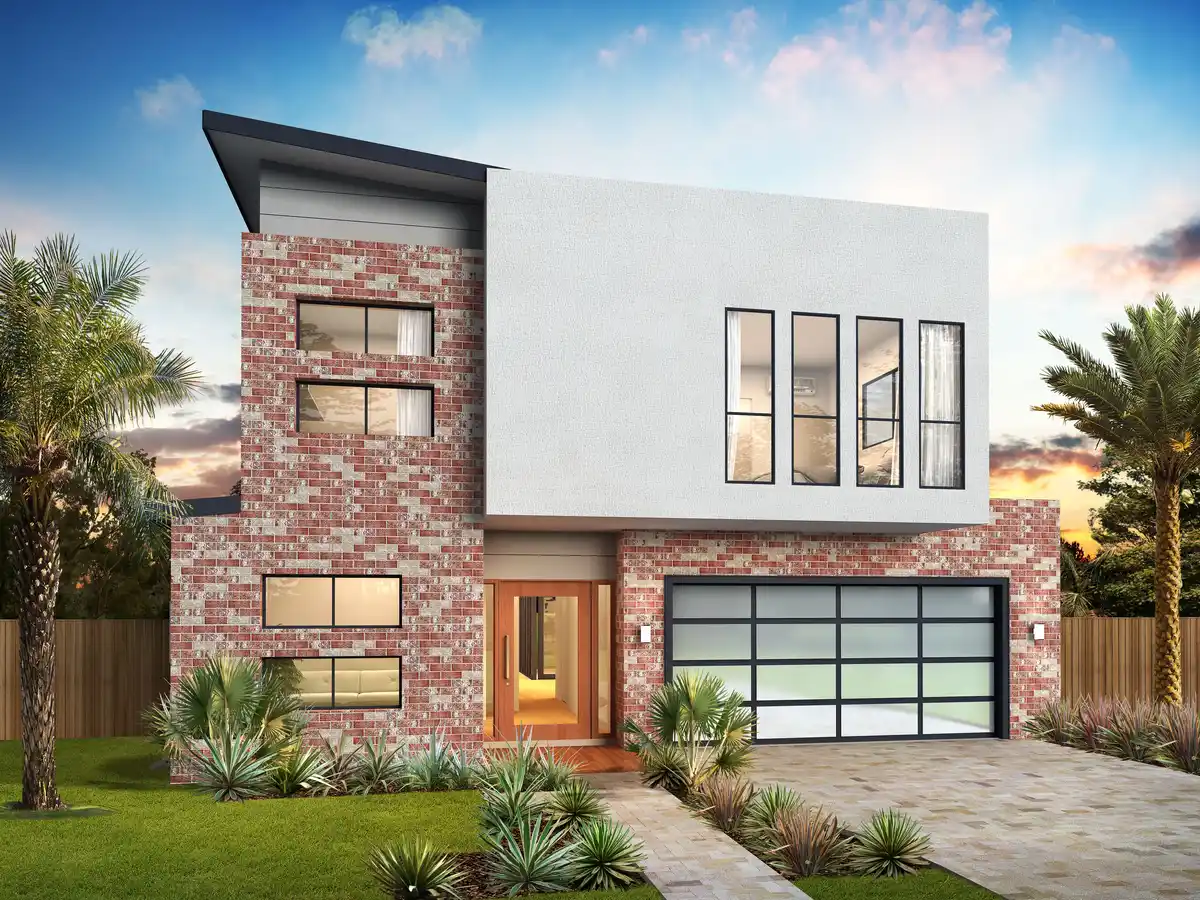
For example, a client may find it difficult to understand the impact of different façade materials from a technical elevation. But when the same idea is shown as a realistic exterior render, the discussion becomes clearer. The same applies to interior concepts, renovation options, landscape ideas, and urban design proposals.
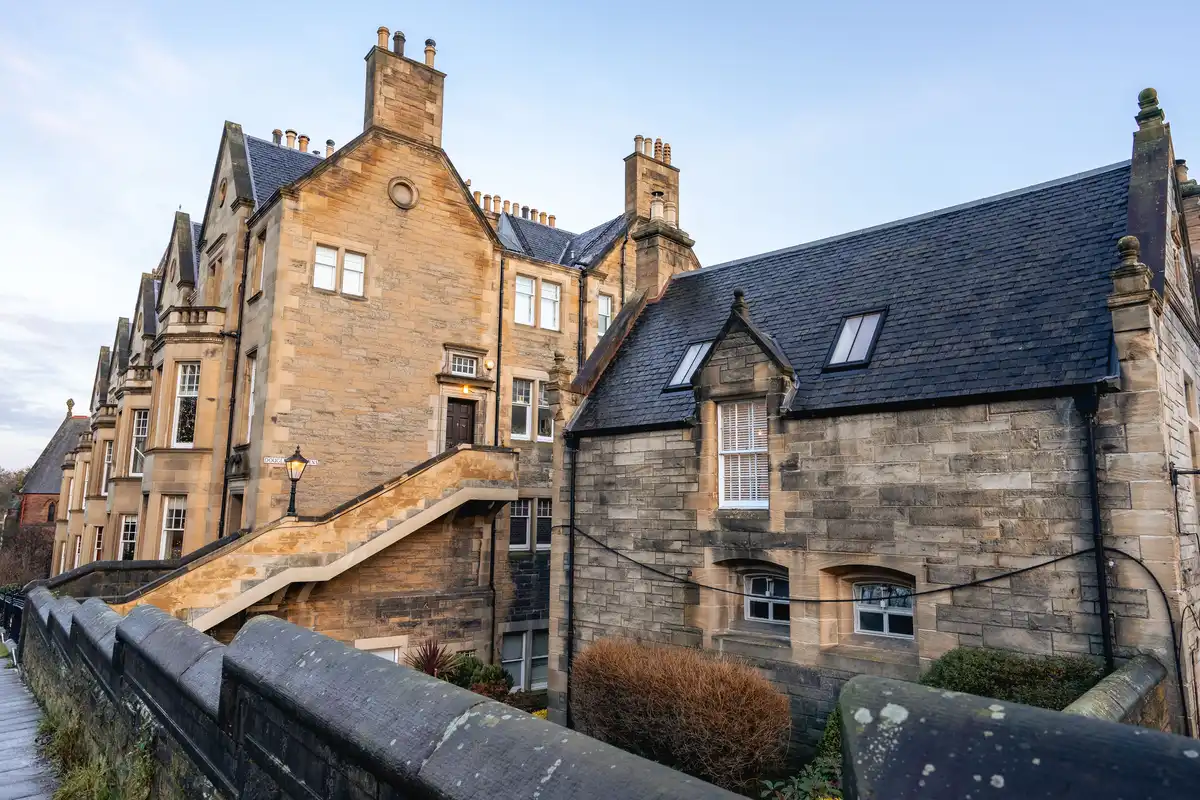
This is especially relevant in architecturally sensitive cities such as Edinburgh, where new design proposals often need to respond carefully to existing buildings, historic context, material character, and surrounding streetscapes. A realistic early-stage visual can help show how a concept might sit within its environment before more time is invested in the final design package.
The Traditional Sketch-to-Render Process
The traditional rendering workflow has long been an essential part of architectural practice. It gives architects full creative control over geometry, materials, light, and atmosphere. However, it can also be slow, especially during the early concept stage.
A common process may include:
- Creating or refining a 3D model
- Applying materials and textures
- Setting up lighting and environment
- Choosing camera angles
- Rendering test images
- Making post-production adjustments
- Repeating the process after client feedback
For final marketing images, this level of detail is often necessary. But for early design conversations, architects may not always need a fully finalised image. What they often need is a fast, clear, and realistic visual that helps communicate the direction of the project.
In many cases, the first round of client feedback is not about technical perfection. It is about understanding the atmosphere, style, massing, materials, and general design intention. A faster sketch-to-render process can therefore save time before the project moves into more detailed development.
How AI Rendering Is Changing the Workflow?
AI rendering tools are changing how architects move from concept to visual presentation. Instead of building every detail manually from the beginning, designers can now use sketches, model screenshots, interior photos, or early design ideas as a starting point for realistic visuals.
With the right workflow, a simple architectural sketch can be transformed into a more polished image that suggests materials, lighting, depth, and atmosphere. A basic 3D model screenshot can become a realistic exterior scene. An unfinished interior concept can be developed into a visual direction that clients can understand more easily.
This does not remove the architect’s role from the process. The designer still controls the idea, the concept, the spatial logic, and the design intention. AI simply helps create visual outputs faster, especially at the stage where speed and exploration matter most.
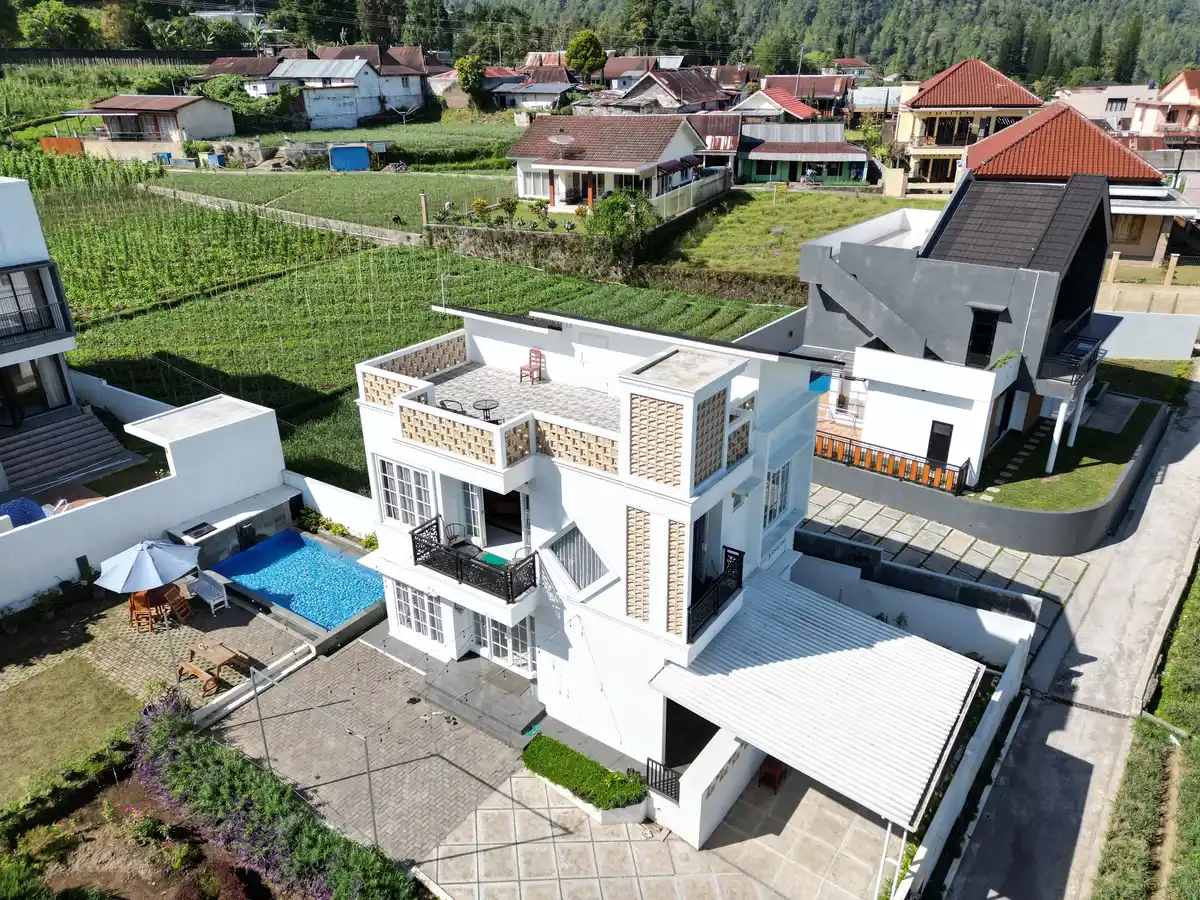
Platforms such as ArchiVinci, an AI architectural rendering tool, help architects turn sketches, 3D model screenshots, interiors, exteriors, and early design concepts into realistic visuals in a much shorter time. This type of workflow is particularly useful when architects want to test ideas quickly before committing to a more detailed rendering or modelling process.
Key Features of a Sketch-to-Render Workflow
A good sketch-to-render workflow should not only create attractive images. It should help architects move from early ideas to clearer design communication with speed, control, and flexibility.
Sketch and Concept Input
Architects often begin with a hand sketch, a rough digital drawing, or an early massing study. A useful AI rendering workflow should be able to interpret these early inputs and turn them into more developed architectural visuals without requiring a fully detailed model from the start.
3D Model Screenshot Rendering
Many architects already work with SketchUp, Revit, Rhino, Archicad, or similar modelling tools. Instead of preparing a complete final render setup, they can use a simple 3D model screenshot as the base for a realistic visual. This makes the workflow faster during the concept and presentation stages.
Interior and Exterior Visualisation
Sketch-to-render tools are especially useful when exploring both interior and exterior concepts. An interior idea can be tested with different materials, lighting moods, furniture styles, and finishes. An exterior concept can be visualised with façade materials, landscaping, daylight, and surrounding context.
Fast Design Variations
One of the most practical features is the ability to create multiple versions of the same idea. Architects can compare different materials, colour palettes, lighting conditions, façade treatments, or interior atmospheres before choosing the strongest direction.
Client-Friendly Presentation Images
The final output does not always need to be a marketing-level render. In many cases, architects need a clear image that helps the client understand the proposal. A strong sketch-to-render workflow turns abstract design thinking into visuals that are easier to discuss, review, and approve.
Faster Concept Testing
One of the biggest advantages of AI-assisted rendering is the ability to test several design directions quickly.
In a traditional workflow, producing multiple visual options can take considerable time. Testing different façade materials, lighting moods, interior styles, or landscape treatments may require several manual adjustments. With AI rendering, architects can explore variations much faster.
For example, a designer may want to compare:
- A modern timber façade versus a stone façade
- A warmer interior palette versus a minimal neutral palette
- A daylight scene versus an evening scene
- A contemporary extension versus a more contextual design approach
- Different landscape treatments around the same building
These variations can help architects make better design decisions earlier in the process. They can also help clients feel more involved, because they can see options rather than relying only on verbal descriptions.
Better Client Communication
Many clients are not trained to read architectural drawings. Plans, sections, elevations, and technical diagrams are essential, but they do not always communicate atmosphere. A client may approve a plan without fully understanding how the space will feel once built.
Photorealistic or semi-realistic visuals help bridge that communication gap. They allow clients to understand scale, light, material, and mood more directly. This can reduce confusion and help prevent misunderstandings later in the project.
For architects, this means fewer repeated explanations and fewer unnecessary revisions. When clients can see the design more clearly, feedback becomes more specific. Instead of saying, “I cannot imagine it,” they can respond to the actual visual direction: the materials, proportions, colours, furniture, landscaping, or façade treatment.
This is why tools like an AI rendering platform for architects can be useful not only for producing attractive images, but also for improving the overall design conversation.
Supporting Renovation and Refurbishment Projects
Sketch-to-render workflows are also valuable for renovation and refurbishment projects. In many cases, architects are not starting from a blank site. They may be working with an existing room, façade, building shell, or historical structure.
AI visualisation can help show how an existing space might look after design changes. This is useful for residential renovations, commercial interiors, hospitality projects, adaptive reuse proposals, and exterior upgrades.
For example, a simple image of an existing room can be used to explore new interior styles. A basic façade study can be used to test material improvements. A rough sketch of an extension can be developed into a more realistic visual that helps explain the design to the client.
In cities with strong architectural character, this type of visual exploration can be especially helpful. It allows architects to test how new design elements might work alongside older materials, surrounding buildings, and existing urban fabric.
Not a Replacement for Architectural Skill
It is important to understand that AI rendering is not a replacement for architectural knowledge. It does not replace planning expertise, construction detailing, building regulations, structural coordination, or professional design judgement.
Instead, it works best as a visual support tool. It helps architects communicate ideas faster, explore options, and create early-stage presentation visuals. The quality of the final result still depends on the designer’s input, direction, and understanding of architecture.
A strong AI-generated render still needs a strong architectural concept behind it. Without good design thinking, the image may look attractive but lack spatial logic or buildable value. The most effective workflow combines the speed of AI with the judgement of an experienced designer.
Frequently Asked Questions
Can AI rendering replace traditional architectural rendering?
No. AI rendering is best understood as a support tool rather than a replacement for traditional architectural rendering. It is useful for early-stage concepts, fast visual exploration, and client communication. Detailed final renders, construction drawings, technical coordination, and professional design judgement still require architectural expertise.
What types of images can architects use for sketch-to-render workflows?
Architects can often use hand sketches, digital sketches, 3D model screenshots, existing room photos, façade studies, or early concept images. The better the input communicates the design intention, the more useful the final visual result will usually be.
Is AI rendering useful for both interiors and exteriors?
Yes. AI rendering can support both interior and exterior design workflows. For interiors, it can help test materials, lighting, furniture, and atmosphere. For exteriors, it can help visualise façade treatments, landscaping, building context, and different architectural styles.
How can AI rendering improve client presentations?
AI rendering helps clients understand design ideas more clearly. Instead of relying only on plans, elevations, or technical drawings, clients can see a more realistic version of the proposed space or building. This can make feedback more specific and reduce misunderstandings during the design process.
Should architects use AI renders for final project approval?
AI renders can support design discussions and early approvals, but they should not be treated as technical documentation. Final project approval should still rely on accurate drawings, specifications, planning documents, and professional architectural coordination.
A More Flexible Future for Architectural Presentations
The way architects present ideas is evolving. Clients increasingly expect visuals earlier in the process, and design teams often need to communicate faster across different stages of a project.
Sketch-to-render workflows offer a practical response to this shift. They allow architects to move from rough ideas to realistic visuals more quickly, without waiting until every detail has been finalised. This can support better communication, faster feedback, and more confident design decisions.
For architects, designers, and studios, the benefit is not simply faster image generation. The real value is being able to show ideas clearly at the moment when decisions are still flexible.
As AI rendering tools continue to improve, they are likely to become a normal part of early-stage architectural design. They will not replace the architect’s creative process, but they can make that process more visual, more responsive, and easier for clients to understand.
From a simple sketch to a realistic render, the future of architectural presentation is becoming faster, clearer, and more accessible.

Comments on this guide to Best Architecture Platforms UX: Navigation, Structure & Digital Experience article are welcome.
Architecture
Comments / photos for the Best Architecture Platforms UX: Navigation, Structure & Digital Experience advice guide page welcome.